WordPress Security Plugin Guide: 7 Best Picks for Better WordPress Security
If you are looking for the best WordPress Security Plugin, the real challenge is not finding one, it is choosing one that matches your site, your budget, and your risk level.
Good WordPress Security is not about installing every plugin that says “firewall” or “malware scanner.” In most cases, one strong plugin plus good patching habits is far better than stacking multiple overlapping tools.
This guide compares 7 popular options and gives the pros and cons of each plugin so you can decide what actually fits your WordPress setup.
What a WordPress Security Plugin Should Actually Do
Before comparing brands, it helps to know what a good WordPress Security Plugin is supposed to cover.
At minimum, you should look for features like:
- login protection and brute-force defense
- file change detection or integrity monitoring
- malware scanning
- firewall or request filtering
- vulnerability alerts
- two-factor authentication
- audit logging
- easy hardening options without breaking the site
No plugin can make a weak WordPress site magically safe. If your themes, plugins, or core files are outdated, you still have a real attack surface. We covered that risk in Critical RCE in WordPress Plugin (900K+ Installations): Detection & Mitigation.
1. Wordfence Security
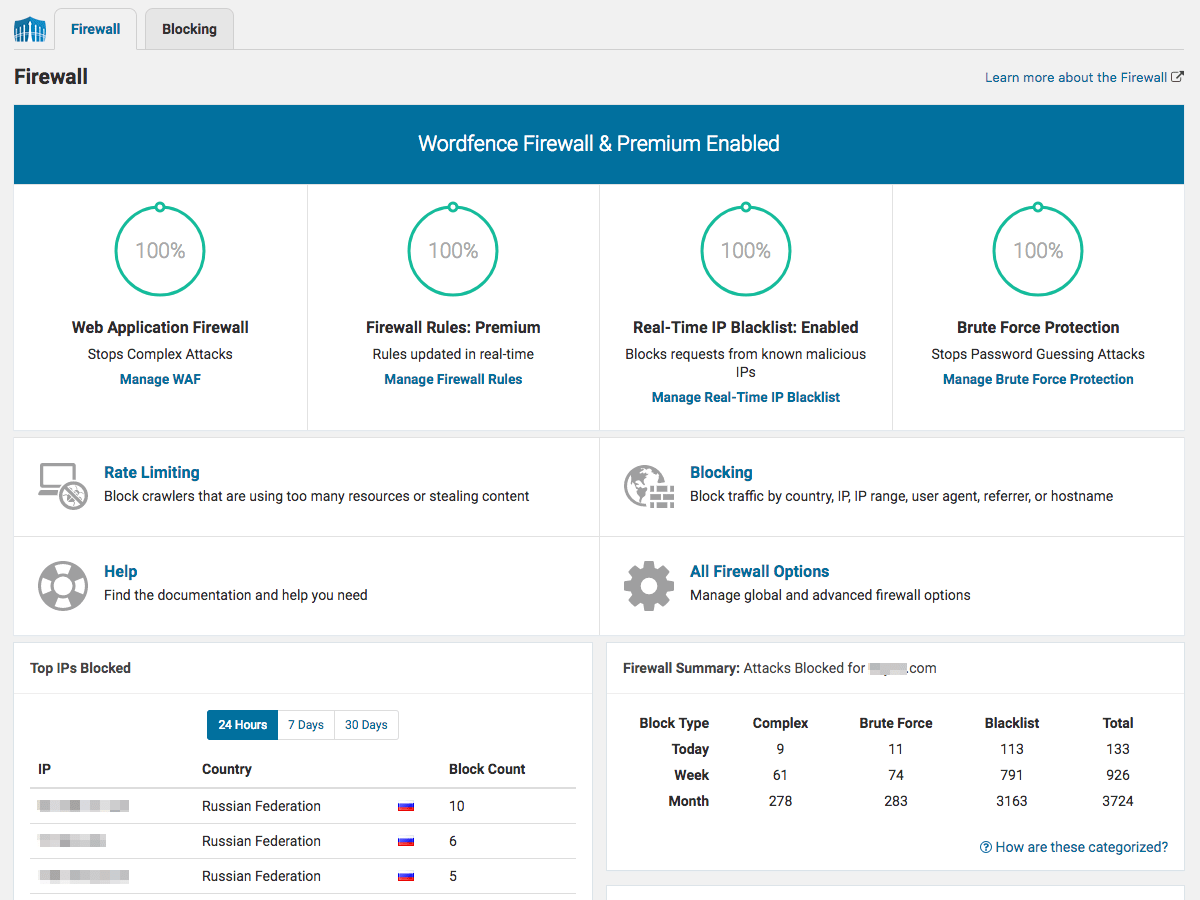
Wordfence is probably the most recognized name in the WordPress security space. It combines firewall features, malware scanning, login protection, and threat intelligence in one package.
Best for: site owners who want an all-in-one plugin with strong visibility.
Pros
- widely trusted and well known in the WordPress ecosystem
- includes firewall, malware scanning, login protection, and 2FA
- good visibility into suspicious traffic and login attempts
- strong documentation and large user base
- useful free version for many small sites
Cons
- the firewall is endpoint based, so malicious requests still reach your server before being blocked
- some of the strongest rule updates and real-time intelligence are behind the premium plan
- can feel heavy on small shared hosting environments
- beginners may overreact to alerts without understanding what matters
2. Sucuri Security
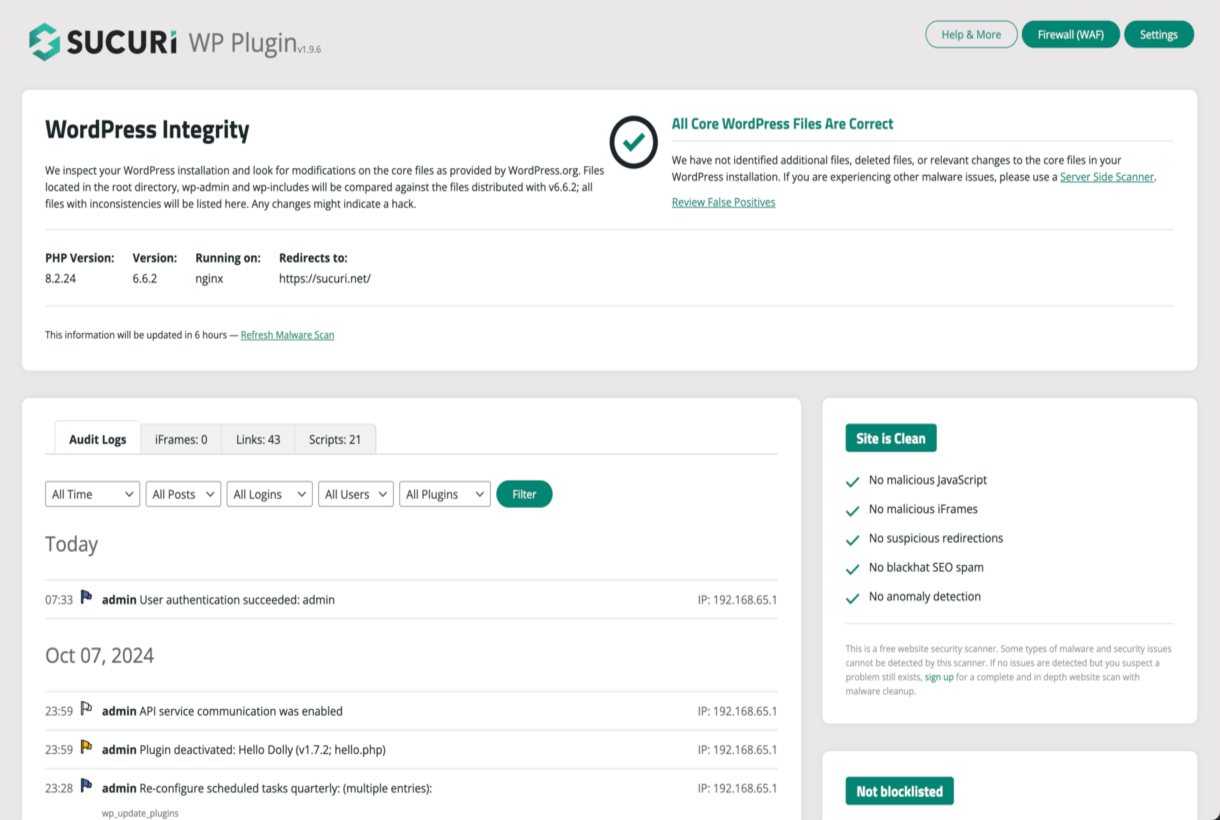
Sucuri Security is popular because it offers both a plugin and a broader website security platform. The plugin handles auditing and monitoring, while the paid platform adds cloud WAF and cleanup services.
Best for: businesses that want a plugin plus an external protection layer.
Pros
- strong brand reputation in website security
- useful audit logs, file integrity monitoring, and hardening checks
- cloud WAF option can block bad traffic before it reaches WordPress
- incident response and cleanup services are attractive for business sites
- good fit for users who want protection beyond the plugin itself
Cons
- the free plugin alone is not as complete as the full paid platform
- best features usually depend on the paid WAF service
- external WAF setup may add complexity for beginners
- not always the cheapest option for smaller personal sites
3. Solid Security (formerly iThemes Security)
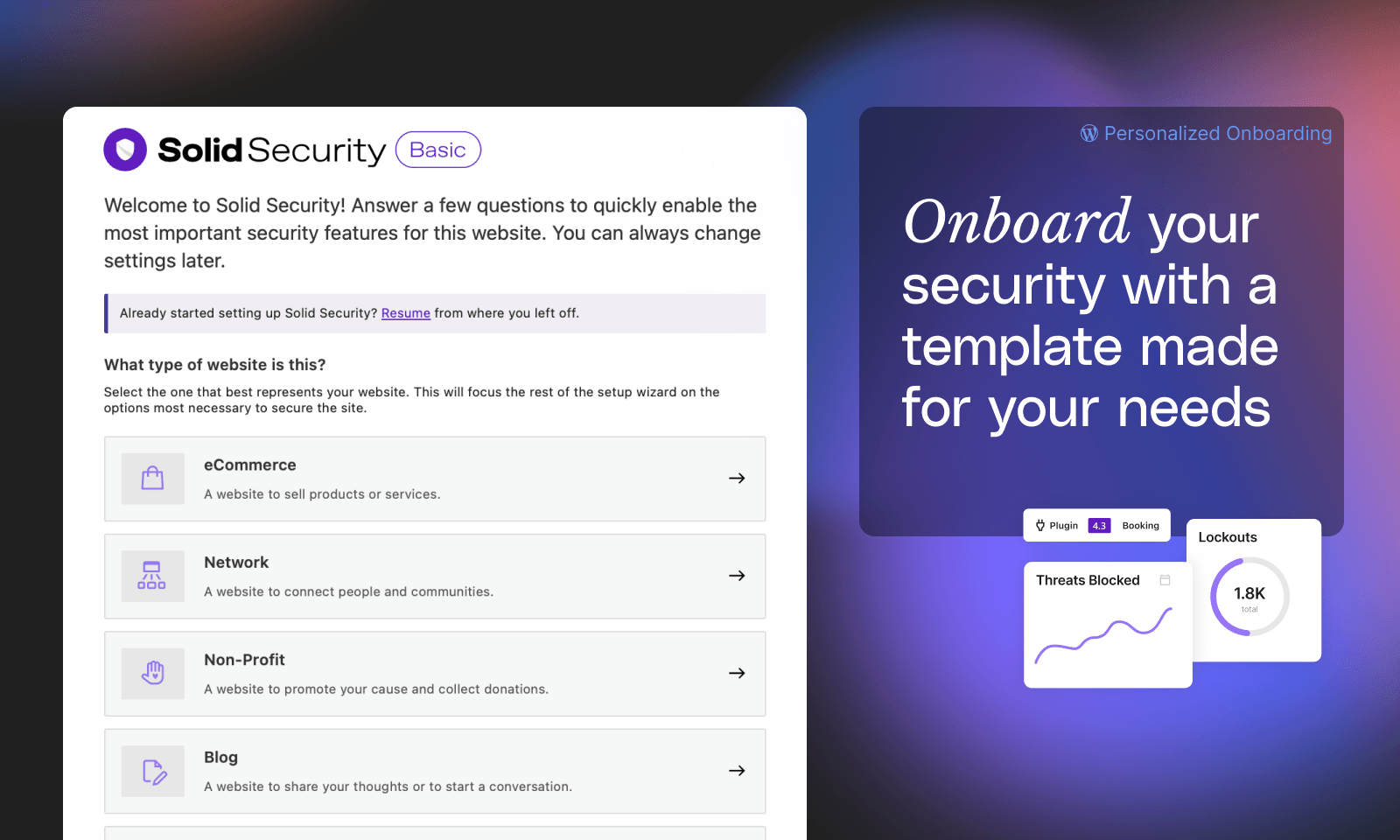
Solid Security focuses heavily on WordPress hardening, login security, and admin-side controls. It is often recommended for users who want practical settings without diving too deep into server-level tuning.
Best for: WordPress admins who want a user-friendly hardening plugin.
Pros
- friendly interface compared with more technical plugins
- strong login security features like 2FA, brute-force limits, and password enforcement
- good hardening options for common WordPress risks
- helpful for agencies managing multiple standard WordPress sites
- solid choice if you want security guidance without too much manual work
Cons
- not the strongest option if your priority is deep malware response or external WAF protection
- some useful features are gated behind paid plans
- too many toggles can still confuse new users
- can overlap with hosting or CDN security features if you already have those in place
4. Patchstack
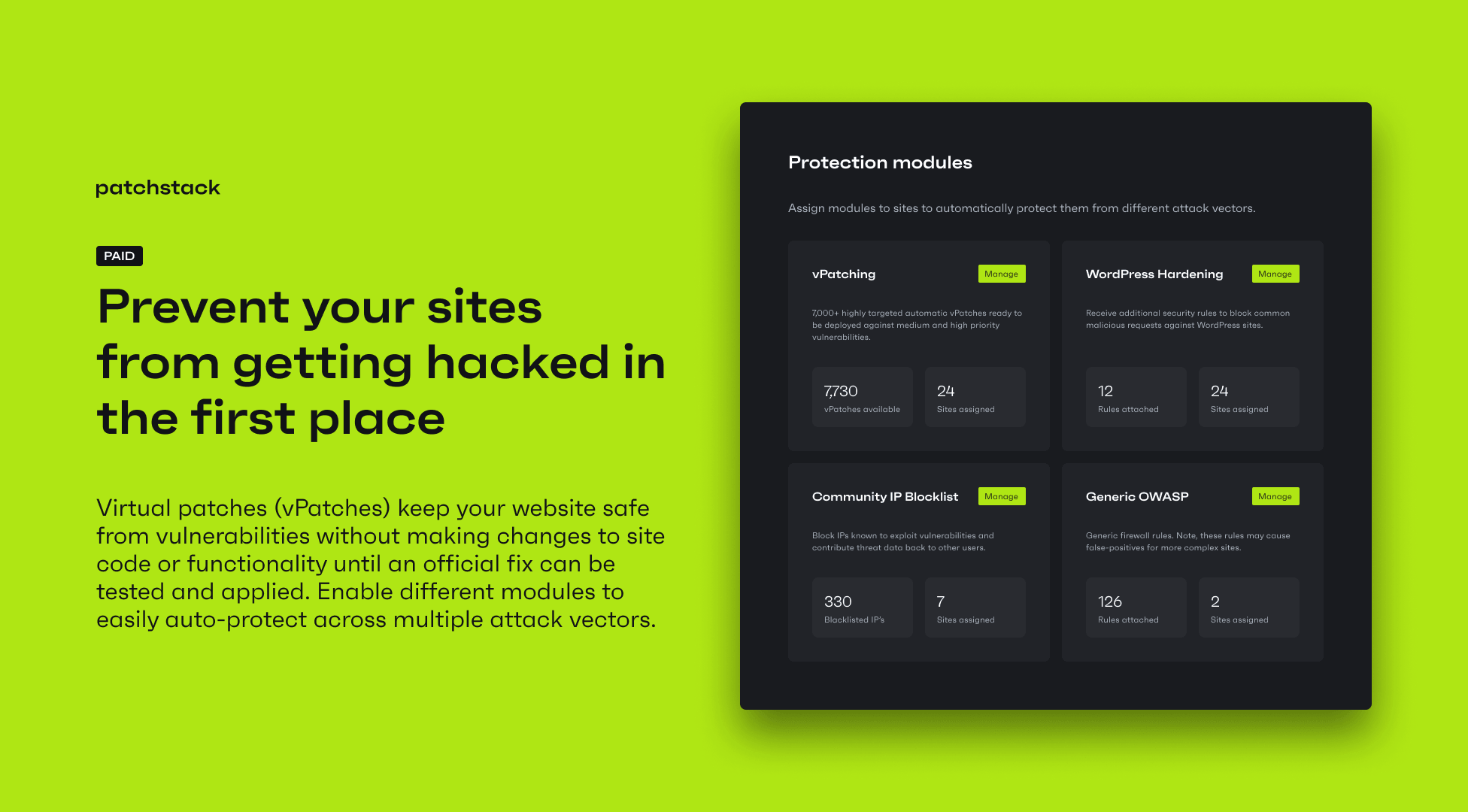
Patchstack stands out because it is heavily focused on WordPress vulnerabilities, especially plugin and theme vulnerabilities. It is less about being a classic “everything security plugin” and more about reducing exposure to known vulnerable components.
Best for: sites with many plugins or agencies that want vulnerability-focused defense.
Pros
- strong focus on plugin and theme vulnerability intelligence
- virtual patching approach is valuable when immediate plugin updates are not possible
- very relevant for modern WordPress attack patterns where vulnerable plugins are the main entry point
- useful for agencies and plugin-heavy sites
- helps with prevention, not just detection
Cons
- not as broad as some all-in-one security suites
- may feel less useful if you expect malware cleanup and firewall features in one local plugin
- stronger value often depends on paid plans
- beginners may not fully understand the benefit of virtual patching until they face a real vulnerability incident
5. MalCare
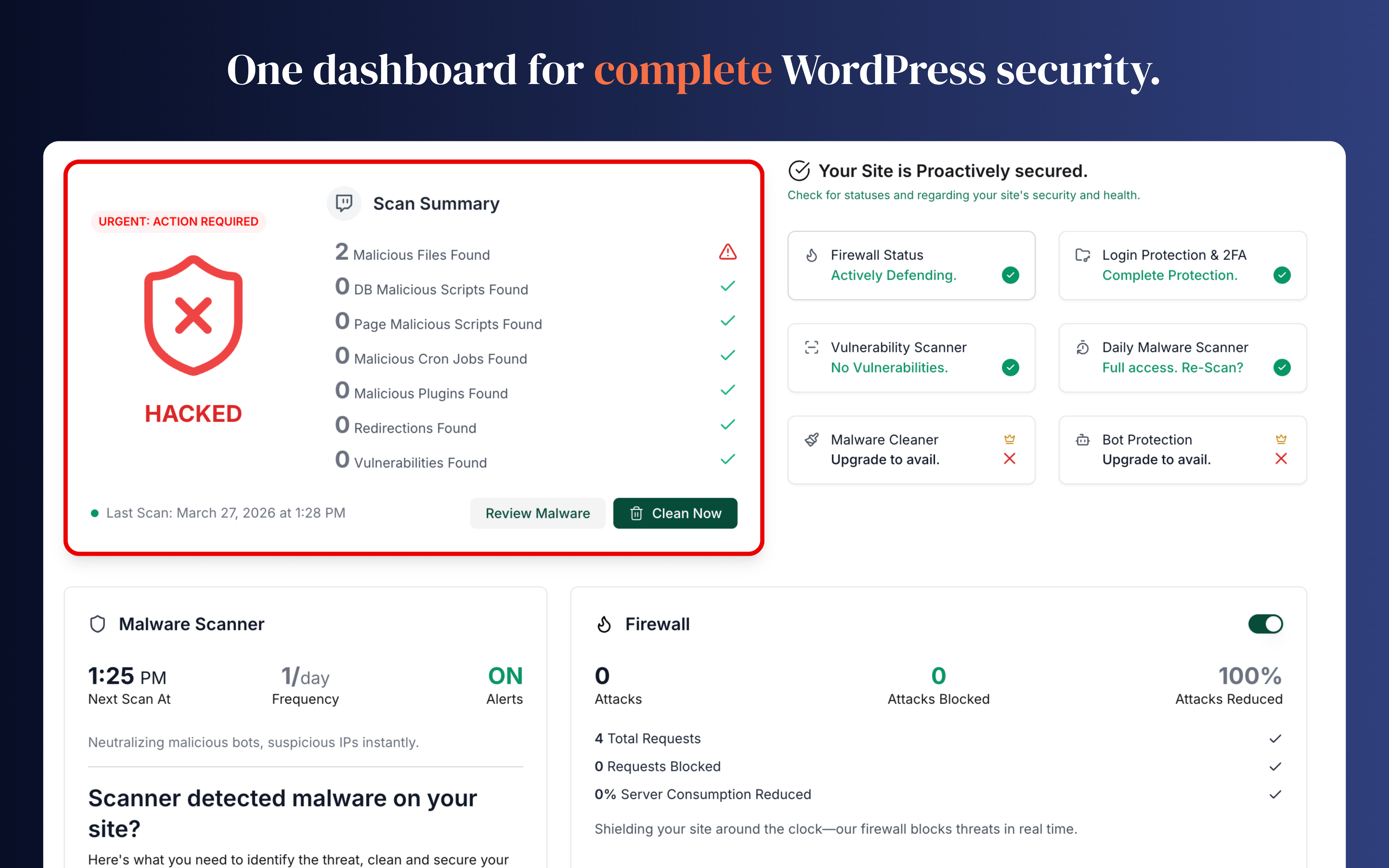
MalCare is known for off-site scanning and malware cleanup workflows. That makes it appealing to site owners who want security scanning without pushing too much load onto the same WordPress server.
Best for: users who care about malware cleanup and low server overhead.
Pros
- off-site scanning reduces performance impact on the WordPress server
- one-click cleanup is attractive for non-technical site owners
- includes login protection and firewall capabilities
- easy onboarding for people who want a managed feel
- strong option when cleanup speed matters more than advanced tuning
Cons
- some of the most valuable cleanup features are paid
- less transparent or detailed for users who want hands-on technical visibility
- may not be the first choice for people who prefer fully local security tooling
- premium pricing may not feel worth it for very small sites
6. WP Ghost (Hide My WP Ghost) – Security & Firewall
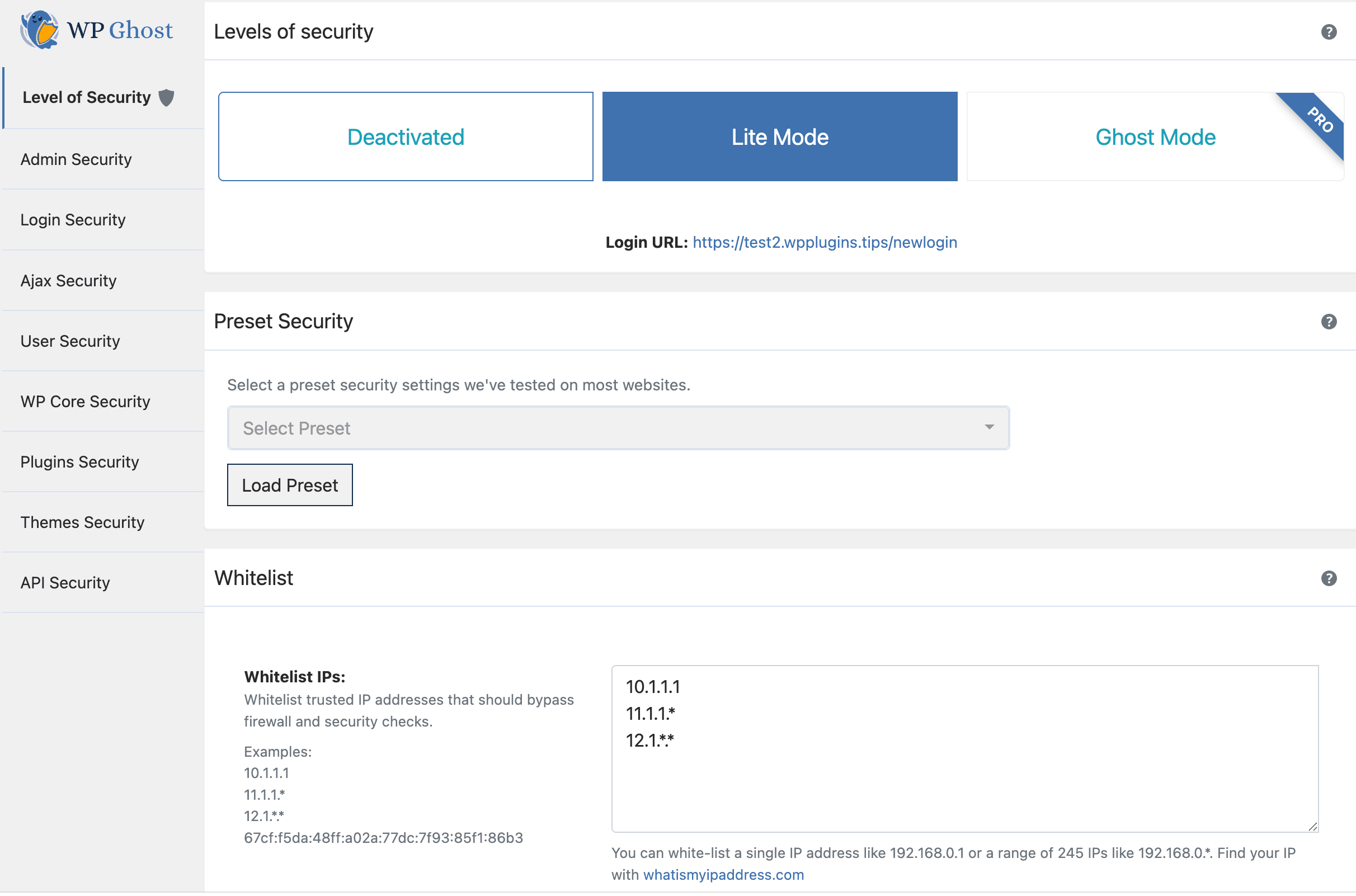
WP Ghost (Hide My WP Ghost) fokus pada pendekatan “security through obscurity” dengan menyembunyikan jejak WordPress seperti URL login, path plugin, dan endpoint umum yang sering jadi target bot.
Best for: admin yang ingin menyamarkan struktur WordPress tanpa banyak mengubah konfigurasi server, dan butuh proteksi cepat terhadap bot & automated attacks.
Pros
- hides sensitive endpoints like /wp-login.php and /wp-admin
- reduces automated bot attacks targeting default WordPress patterns
- relatively easy to use compared to more technical security plugins
- includes basic firewall and brute-force protection features
- adds a layer of hardening without requiring deep server configuration
Cons
- not a replacement for fundamental security practices (just an extra layer)
- can conflict with other plugins (cache, SEO, login integrations)
- some important features are locked behind the premium version
- debugging can become harder due to modified paths and endpoints
- lacks the depth of control found in more advanced security plugins
7. All In One WP Security & Firewall
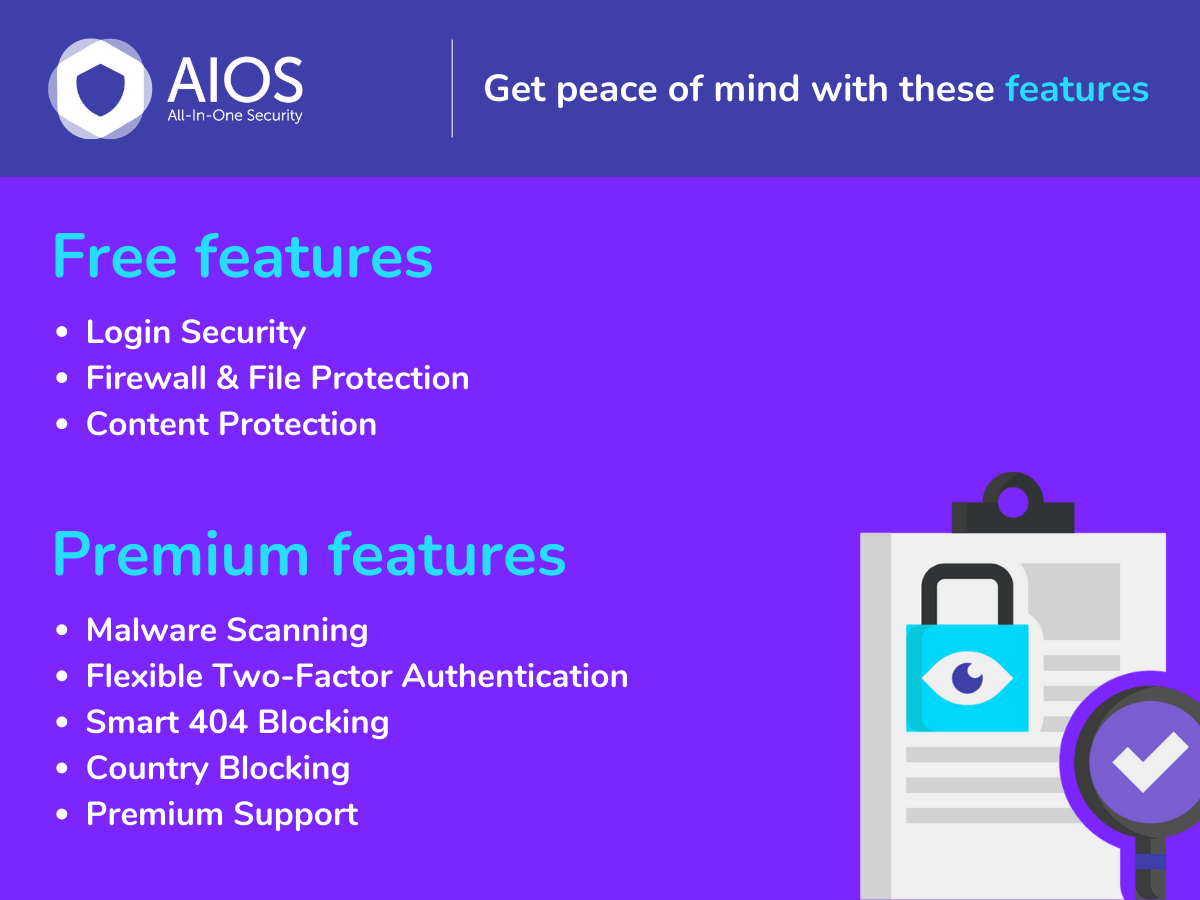
All In One WP Security & Firewall is still popular because it gives a long list of hardening features for free. It is often one of the first plugins people test when they want better WordPress security without paying immediately.
Best for: budget-conscious site owners who want a free starting point.
Pros
- generous feature set in the free version
- includes login protection, database prefix checks, file hardening, and firewall-style rules
- useful security scoring can help beginners notice obvious gaps
- good entry point for small blogs or simple sites
- attractive if you want to improve WordPress Security without immediate cost
Cons
- interface feels dated compared with newer tools
- some settings are easy to enable without fully understanding the side effects
- not as strong as premium tools for malware response or modern threat intelligence
- the firewall features are not on the same level as dedicated cloud WAF platforms
Which WordPress Security Plugin Should You Choose?
There is no single best answer for every site.
A practical shortlist looks like this:
- Wordfence if you want the most familiar all-around option
- Sucuri if you want plugin-level features plus an external WAF service
- Solid Security if you want easy hardening and admin-focused controls
- Patchstack if plugin vulnerability exposure is your main concern
- MalCare if you want easier cleanup and lower on-server scanning load
- WP Cerber if you want more granular control
- All In One WP Security if budget matters most
My general recommendation:
- for small to medium sites, start with Wordfence or Solid Security
- for business sites, consider Sucuri or Patchstack depending on whether you need WAF or vulnerability intelligence first
- for highly plugin-heavy sites, Patchstack deserves serious attention
Important: Do Not Stack Too Many Security Plugins
This is where many WordPress admins make a mess.
Running multiple security plugins with overlapping firewall, scan, login, and hardening features can create:
- false positives
- performance issues
- duplicated alerts
- broken login flows
- confusing troubleshooting
Pick one primary WordPress Security Plugin, then add external layers only when they clearly serve a different role.
For example, combining a WordPress plugin with server-side rate limiting or IP banning can make sense. We covered that broader defense layer in Dynamic IP Denylisting with NGINX Plus and fail2ban and Harderning Server with Fail2ban and Reporting to Telegram.
FAQ
What is the best WordPress Security Plugin overall?
For many users, Wordfence is the easiest all-around recommendation because it combines visibility, firewall features, malware scanning, and login protection in one familiar package. But it is not automatically the best fit for every site.
Is one WordPress security plugin enough?
Usually yes, if you choose a good one and keep WordPress core, themes, and plugins updated. A plugin is only one layer. You still need backups, updates, strong passwords, and basic server hygiene.
Is a free WordPress security plugin good enough?
For small sites, sometimes yes. Free tools like Wordfence Free or All In One WP Security can improve your baseline a lot. But paid features often become worth it for business sites, ecommerce stores, or sites with higher exposure.
Which plugin is best for vulnerable plugin risk?
Patchstack is especially strong when your biggest concern is plugin and theme vulnerabilities, because that is where it puts much of its value.
Final Thoughts
The best WordPress Security setup is not the plugin with the most checkboxes. It is the one you will actually maintain, understand, and keep updated.
If you want the short answer, start by matching the plugin to your real need:
- broad all-around protection, choose Wordfence
- external WAF and business response, choose Sucuri
- easier hardening workflow, choose Solid Security
- vulnerability-focused defense, choose Patchstack
- easy cleanup workflow, choose MalCare
- granular control, choose WP Cerber
- free starting point, choose All In One WP Security
That is a much better approach than installing several plugins and hoping they magically create security.
