Completion of Malang Hacker Link Challenges
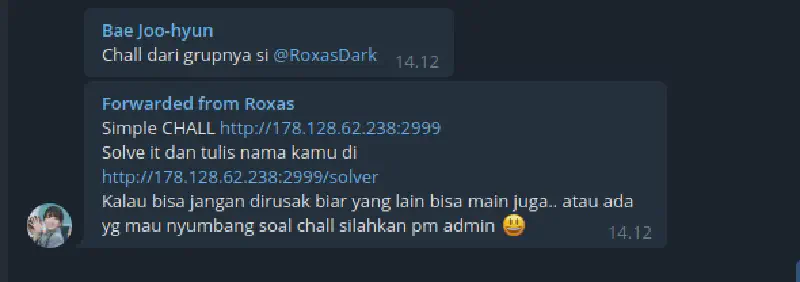
After a long time without creating or solving challenges due to increasingly limited free time and assignments piling up, I finally received information about a challenge from a friend in a Telegram group. This challenge was created by another community called Malang Hacker Link. The challenge is quite unique and fun to solve because no “magic tricks” are required.
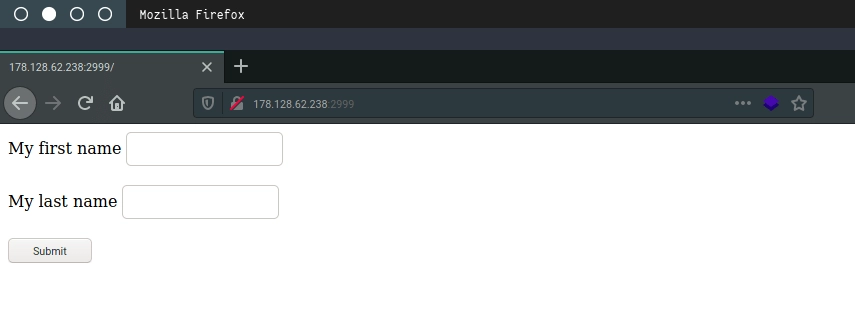
From the information provided, I immediately opened the link and found a form with two fields: first name and last name. Since we had not explored the application yet and had no clues, we tried using this feature to observe the output of the web application. For the firstname field we input abc and for lastname def.
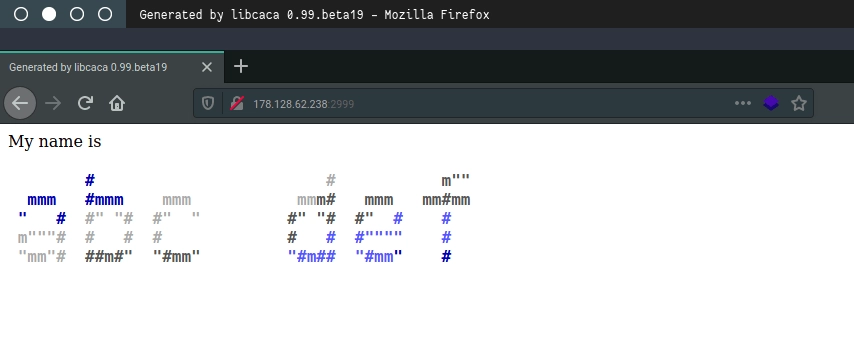
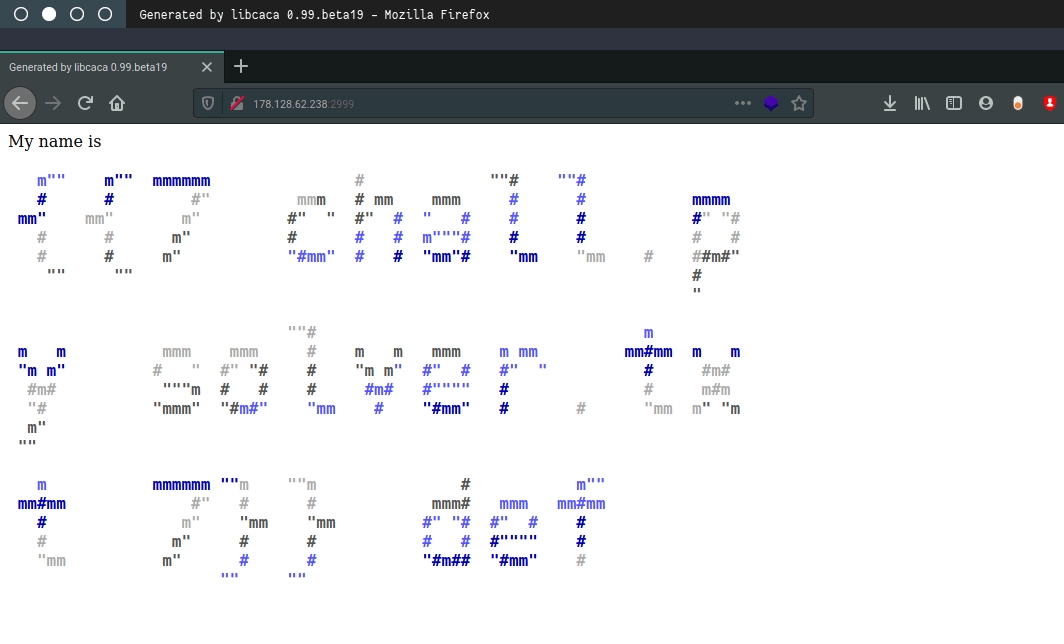
The output from the web application is quite unique. Every input submitted is displayed in colored ASCII art format. From here we begin to search for possible vulnerabilities.
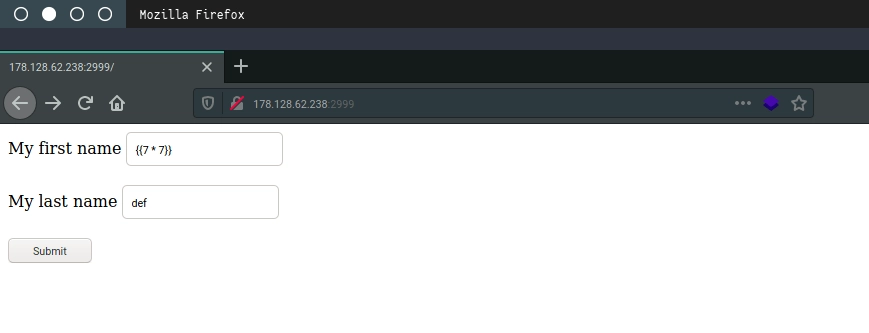
Since the application simply outputs ASCII art, we don’t need to overthink potential vulnerabilities. SQL Injection seems unlikely because the input does not appear to be stored in a database, although it cannot be completely ruled out. XSS also seems unlikely because the input output becomes ASCII art. From this observation we suspect the web application might have an SSTI (Server-Side Template Injection) vulnerability because templating might be used to render the ASCII art. We immediately test a common payload {{7 * 7}}. If the output becomes 49, it would confirm that the application is vulnerable to SSTI.
However, the expected output did not appear. Instead, the response displays the contents of files in the current directory. We see a file called chall.py, which appears to be the source code of the web application, and solver.txt, which is the final target where we need to write our name.
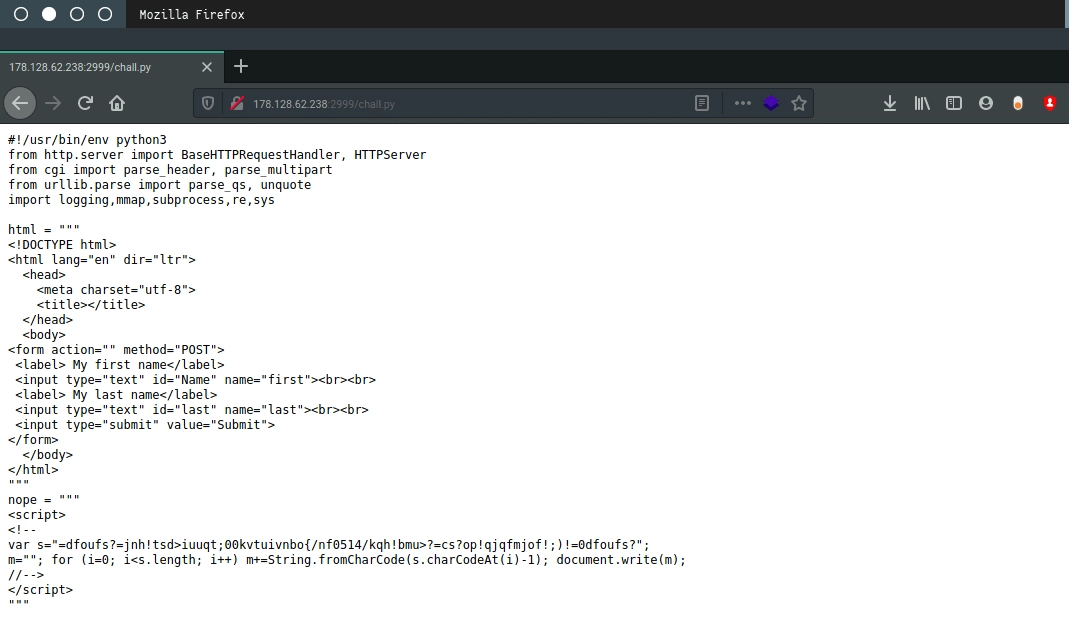
We open the chall.py file and obtain the source code of the web application. Now it is time to read the code and look for anything interesting.
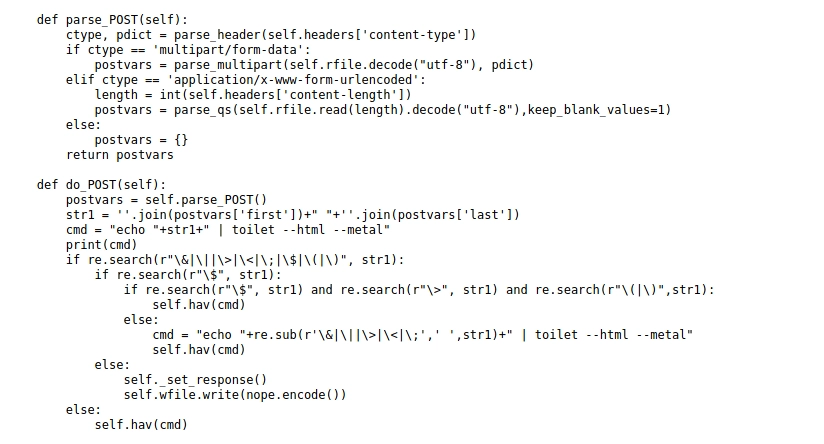
Since our input is processed by the application, it is important to understand how the input is handled. The input data is processed in the parse_POST and do_POST functions. Looking closely at the do_POST function we notice something interesting: a shell command that looks familiar, toilet, which is used to generate ASCII art output in the terminal. This suggests the web application runs shell commands to process user input. To confirm this assumption we examine other functions.
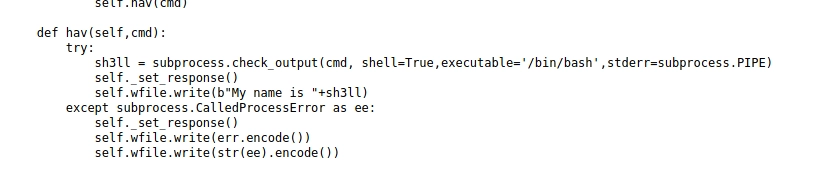
Indeed, our assumption is correct. The hav() function executes a bash shell as part of the application’s logic. Based on the do_POST function we can conclude that the web application executes the following shell command:
echo <input_data> | toilet --html --metal
Since we are already familiar with shell commands, it’s time to execute other shell commands by modifying the input data into a simple payload. Bash allows shell execution using:
$(command_here)
or
`command_here`
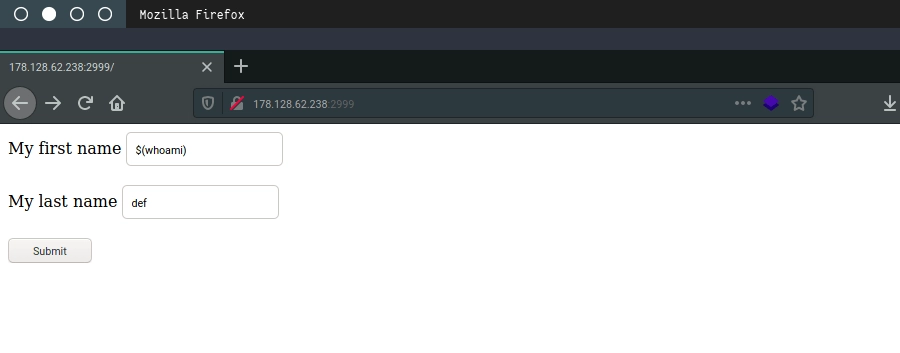
We test this by submitting the payload $(whoami).
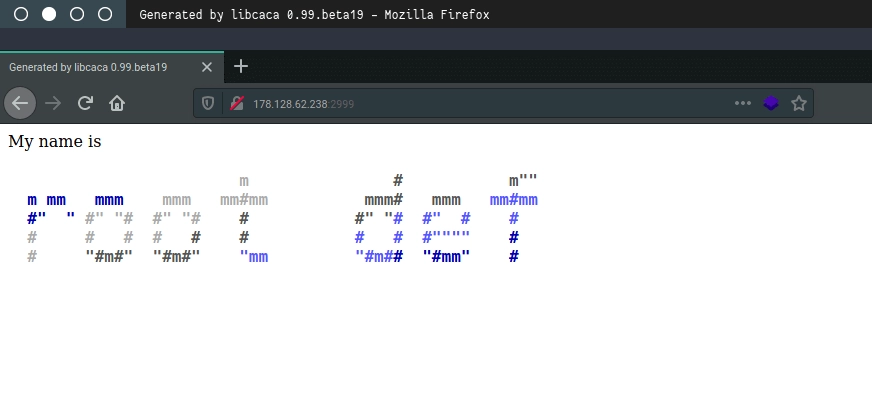
The server responds and shows that the user ID executing the command is root. With this we effectively have full compromise of the server. However, remember that the goal of this challenge is to write our name into solver.txt.
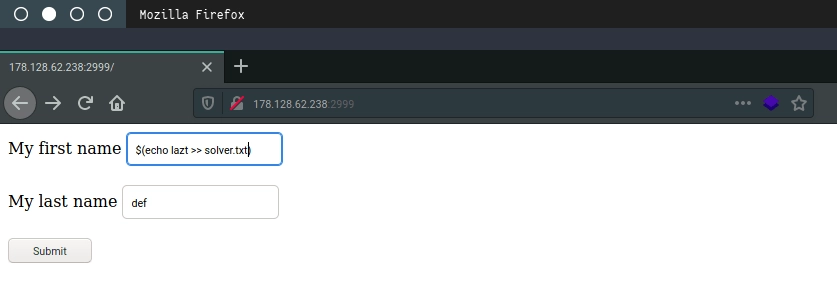
We execute a command to write our name into the file.
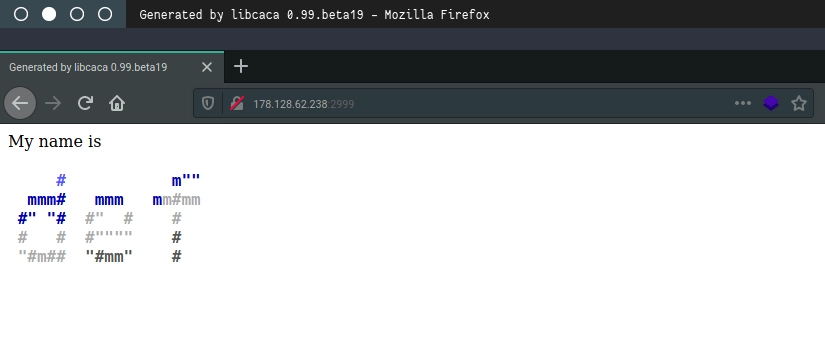
The command response is empty, so we check the contents of solver.txt to see whether it changed.
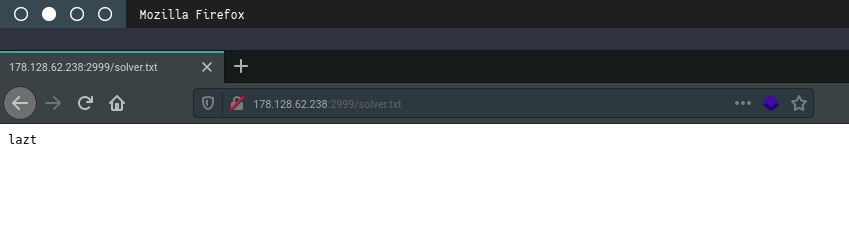
Okay, mission complete.
Now the question is: how can this web application be made more secure? Write your answers in the comments.
See you on the next challenges.
