Passwords Alone Are Not Enough!
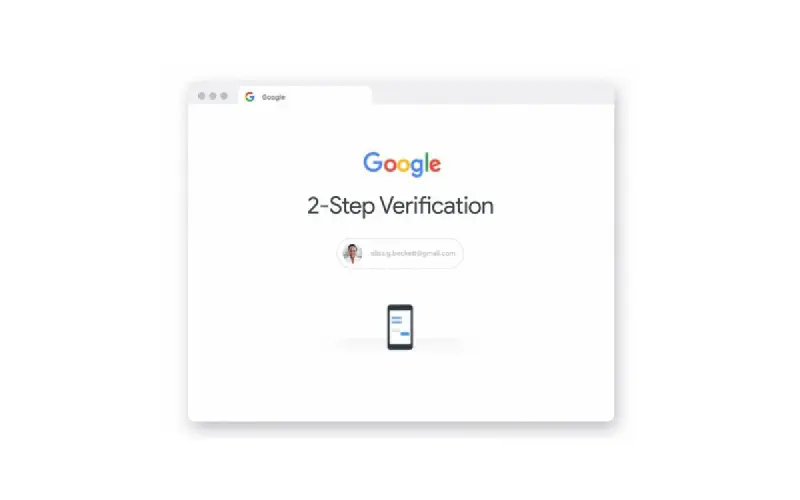
Every 39 seconds, one cyber attack occurs somewhere in the world1. Many internet users still rely on passwords as the only protection for their accounts, even though this is very risky. Therefore passwords alone are not enough and Two Factor Authentication (2FA) can save you from account theft.
Why Passwords Alone Are Not Enough?
Passwords are often easy to guess, reused across many sites, or even leaked through phishing attacks and major data breaches such as those that happened at Facebook, Tokopedia, and through infostealers. If someone gets your password through these methods, they can easily access your account if there is no additional security layer like 2FA.
Read also: Infostealer spreading through fake Google Recaptcha
Imagine a password like a house key. If the key can be easily copied, then anyone can get in. This is where 2FA acts as an extra lock.
What Is Two Factor Authentication (2FA)?
2FA is a security method that requires you to enter additional verification before you can access an account. This usually involves two of the following three factors:
- Something you know → Password, PIN, or answers to specific security questions
- Something you have → OTP code, hardware token, hardware authentication, or authenticator app
- Something you are → Fingerprint, face, or your primary device
With 2FA, even if someone knows your password, they still cannot log in without the second verification code.
Common Types of 2FA
-
OTP via SMS or Email
Codes are sent to your phone number or email, but SMS OTP is currently considered less secure because it is vulnerable to SIM swapping attacks and email OTP can also be accessed if your email account has been compromised. -
Authenticator App
Such as Google Authenticator or Authy, which generate codes that change every 30 seconds. This is more secure than SMS because it does not depend on telecommunications networks and continuously changes at specific time intervals. -
Biometrics
Such as fingerprints or facial recognition on devices. Very secure but requires devices that support these features. -
Hardware Token
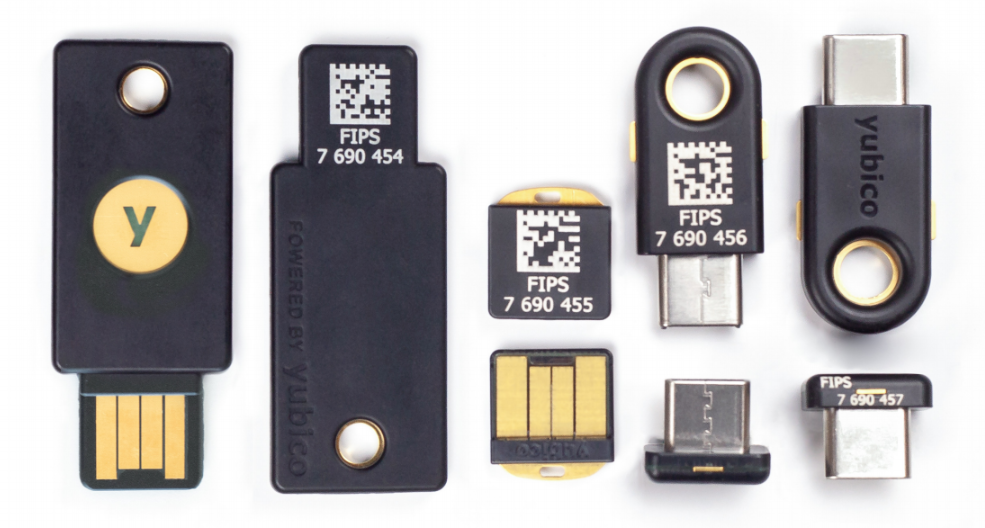
Devices like YubiKey that must be plugged into a device for verification. Very secure but requires additional hardware that can be relatively expensive and ideally at least two devices as backup. This is the best option for high level security especially for Domain Admin accounts, servers, and others.
Benefits of Using 2FA
- Significantly increases account security
- Prevents unauthorized access even if a password is leaked
- Gives you more control over who can access your account
How To Enable 2FA
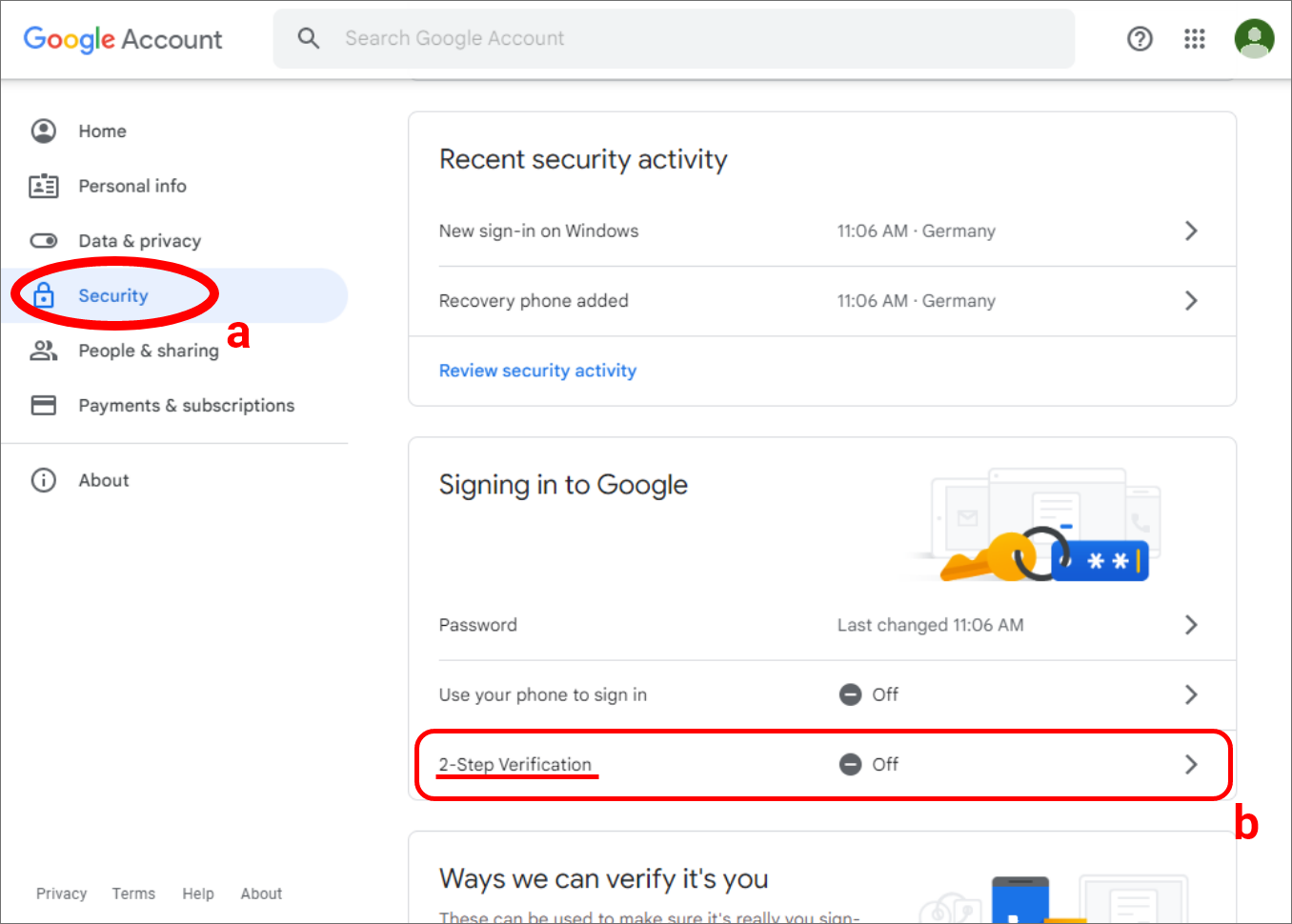
Here is a brief example of enabling 2FA on a Google account:
- Open https://myaccount.google.com/security
- Select “2 Step Verification” or “Two Step Verification”
- Follow the instructions to connect your phone number, authenticator app, or hardware token.
You can follow similar steps on social media accounts, ecommerce platforms, and other cloud services.
Things To Pay Attention To
- Use an Authenticator App if possible because it is more secure than SMS
- Store recovery codes safely
- Prepare a backup method if your main device is lost
Conclusion
Passwords are no longer the only line of defense for your digital security. With attacks becoming more sophisticated, 2FA is the easiest and most effective way to keep your accounts safe. Have you enabled 2FA on all your accounts?
-
Clark School at University of Maryland. (2007). Security researchers quantify the threat from cyber attacks. https://eng.umd.edu/news/story/study-hackers-attack-every-39-seconds ↩︎
