Your Website Hacked?, Do the Following
In the Surabaya Hacker Link Telegram group, I and @ytyao often create challenges such as web hacking, reversing, and others. However, in a previous challenge there was a small incident, the website was hacked. Well, the website was intentionally built to be hacked, but this hacker performed a mass wipe by deleting all files and folders. From that incident I learned something new, post incident handling, or commonly called Incident Response.
-
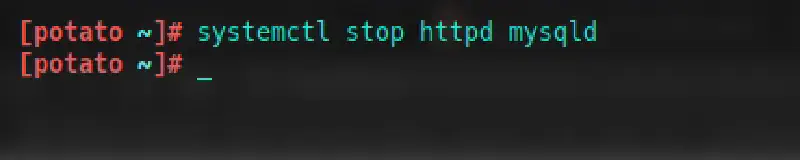
When your website is hacked, stop the web service. Allow only yourself to access it via cPanel or SSH.
-
Scan for backdoors that “they” planted. You can choose to delete the backdoor or save it to your local machine for investigation to identify who owns it. For this you need a webshell finder or antivirus.
-
Check running processes. Hackers usually do not create just one backdoor. They create multiple entry points to freely access your system. Make sure there are no suspicious processes running in the process list.
-
If you have daily backups, simply restore from the latest backup. Hosting providers usually have this feature. If you are unsure, ask the customer service where you purchased your hosting package.
-
Create new and strong passwords. Yes, after everything is done you must change all existing passwords, such as MySQL database passwords, user passwords, cPanel passwords, and others.
If you saved the backdoor they planted, you can investigate the file further by decrypting passwords or reading the backdoor source code. Most of them usually leave their initials inside the backdoor file.
That is all.
